AmperePro
Feb 2026 - May 2026
- Python
- PySide6
- NumPy
- Dacite
Why this project
AmperePro is a desktop application for learning electricity through circuit simulation. It was our final semester project at Cégep de Saint-Hyacinthe, built with four teammates over the whole semester. We had spent three semesters learning Python, and the last one was dedicated to a team project of our choice tied to a science or math topic. The goal was to make abstract concepts like Ohm’s law, equivalent resistance, and Kirchhoff’s laws easier to see: students can build a circuit, change component values, and get immediate feedback instead of only solving equations on paper.
The app has two modes. Free mode is a circuit editor where you place components, draw wires, and inspect the result. Level mode turns the same concepts into 15 exercises across three subjects. The interface and level content are in French.
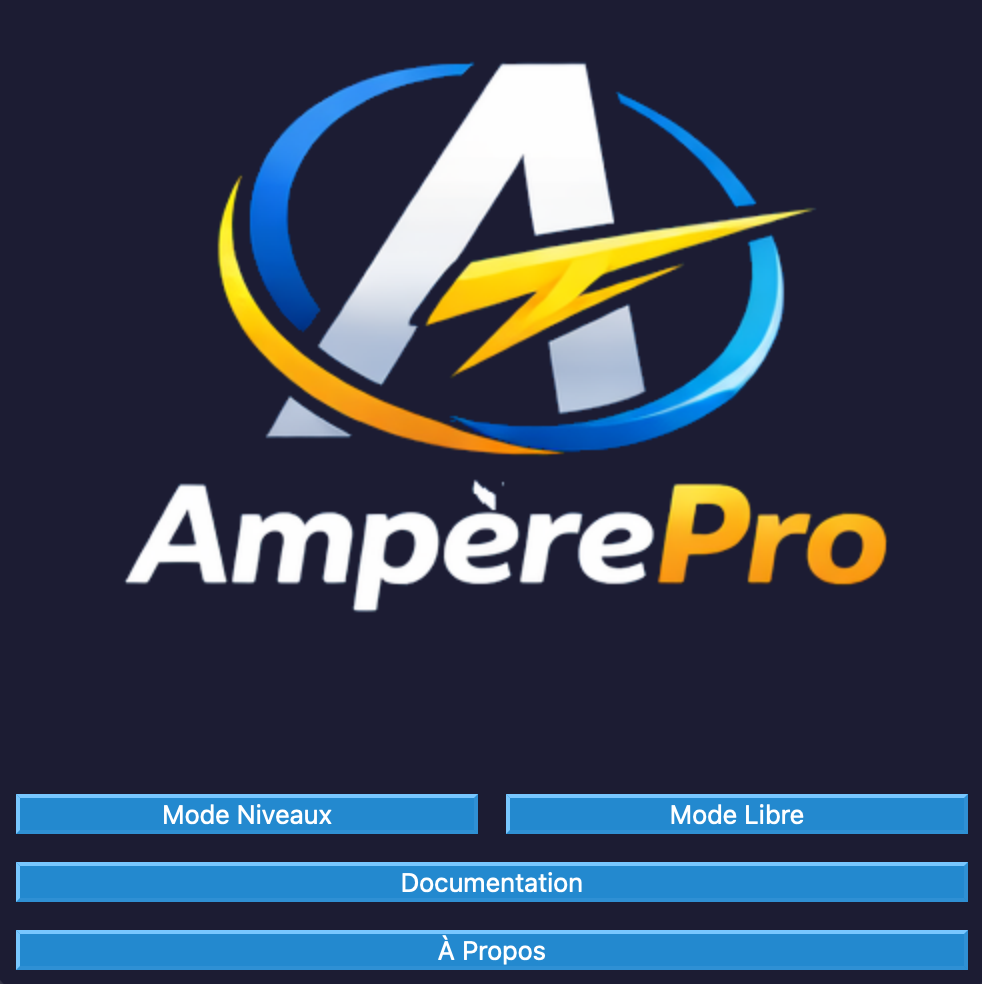
The main menu, with the two learning modes and the supporting documentation.
What the app does
Free mode supports batteries, resistors, diodes, switches, voltmeters, and ammeters on a grid. You can rotate components, delete wires and components, undo the last action, save a circuit, and reopen it later. The circuit is recalculated whenever a component changes, and wires turn orange when the current is high enough to indicate a short circuit.
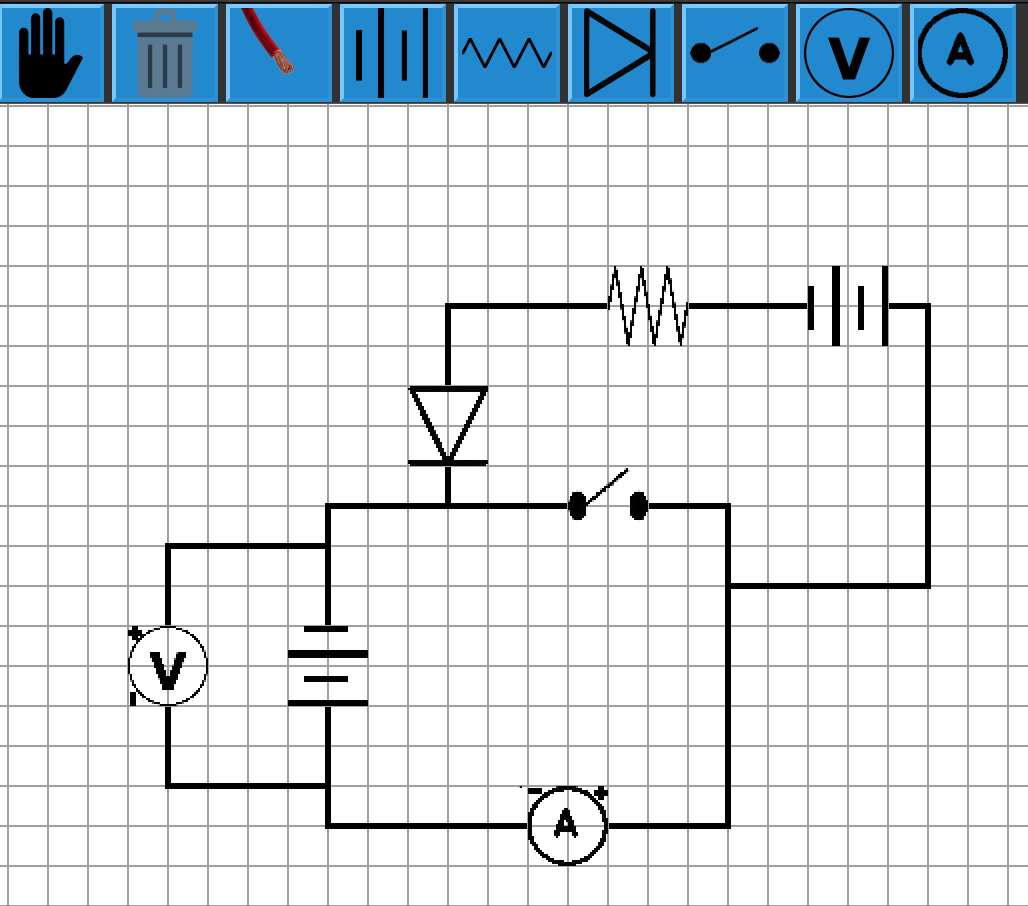
Free mode, with the component toolbar and an example circuit.
Level mode has three subjects: Ohm’s law, equivalent resistance, and Kirchhoff’s laws. Each subject has five levels with its own description and point total. Completing a level updates the best score for that level, and the subject screen shows a progress bar for each one.
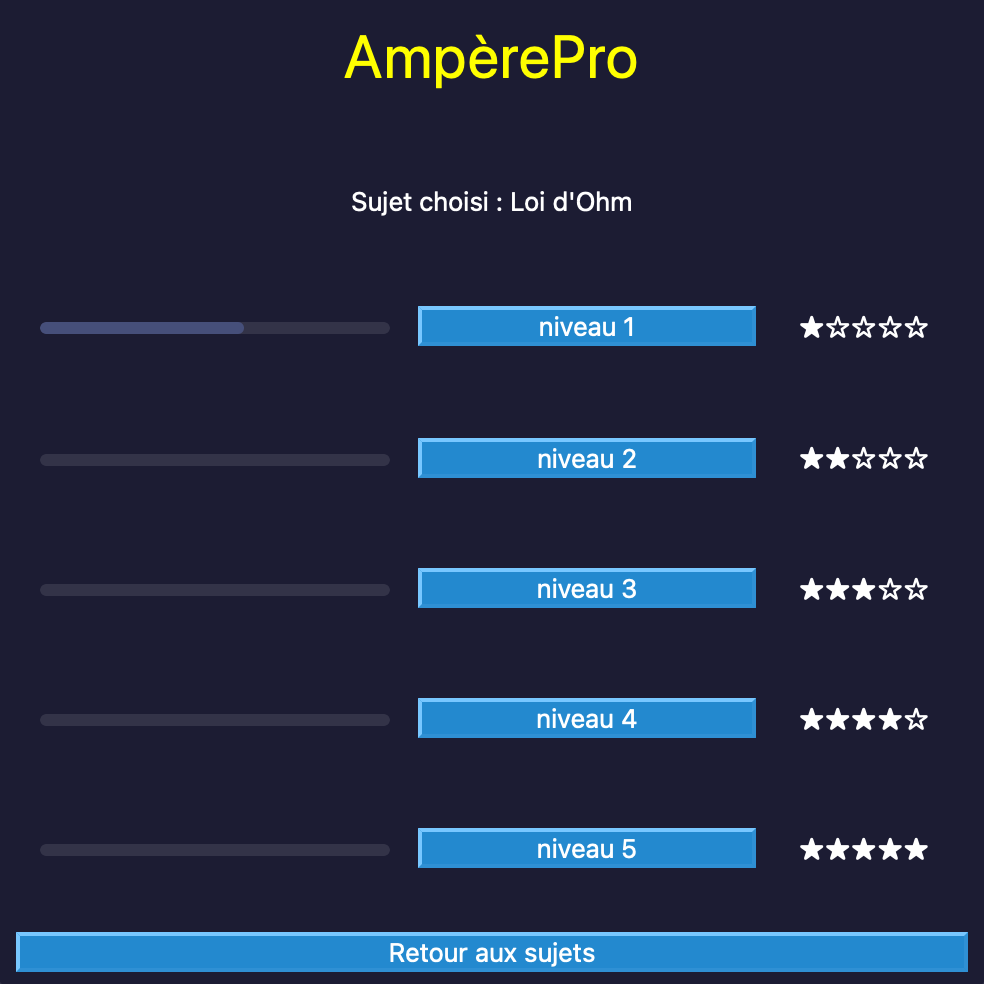
The level browser for Ohm’s law, with best-score progress bars and difficulty ratings.
The circuit engine, current solver, and rollback system were shared across the team. My main work was the application structure, the level and navigation UI, the save system, the typed data models, and the tests and documentation around those parts.
How it is structured
The code is split by responsibility:
main.py                  application shell, menus, mode switching
fichier_circuit/         circuit scene, wires, nodes, current solver
composantes.py           component definitions, dialogs, serialization
niveau/                  subject definitions and the 15 level screens
sauvegarde.py            dataclasses, Dacite validation, JSON persistence
docs.py, a_propos.py     in-app documentation and team window
stylesheet/              QSS themes
tests/                   physics unit tests
The app shell is a QMainWindow that swaps its central widget between the main menu, free mode, and level mode. Level selection opens a modal QDialog containing the widget for that subject and level. Closing the dialog reloads the subject screen so the progress bars reflect the new score. Menus provide the documentation window, a PDF guide, and the about window, and the visual style comes from QSS files rather than hard-coded widget properties.
My part
The project had five members. My contributions were mostly in these areas:
- Set up the initial desktop UI and separated the circuit logic into files instead of keeping everything in one module.
- Built the level mode UI: subject and level selection, progress bars, difficulty labels, and the return flow back to the subject list.
- Designed the save system around dataclasses and Dacite, including startup validation and fallback defaults.
- Added level progression persistence so the app remembers the best score for each subject and level.
- Added the physics unit tests and the README, license, and requirements setup.
- Cleaned up naming, file names, and type hints, and removed getters and setters that made the circuit code harder to read.
I did not build the full simulation engine. The current solver, diode and switch behaviour, rollback, and the circuit editor interactions were mostly handled by my teammates.
Deep dive: a save system that can fail safely
The app stores custom circuits and level progress in a local data.json file. That file is user data, so it can be missing, incomplete, or edited by hand. A crash on startup would make the rest of the app unreachable, so the save layer treats every load as untrusted input.
The data is described with dataclasses:
SaveDTOcontains the saved circuits and aNiveauDTO.NiveauDTOcontains three five-entry lists for Ohm’s law, equivalent resistance, and Kirchhoff’s laws.CircuitDTOcontains the circuit name, wires, nodes, and last-save timestamp.FilDTO,NoeudDTO, andComposanteDTOdescribe the circuit graph and its component values.
The two top-level types show the shape of the file:
@dataclass
class CircuitDTO:
    id: str
    nom: str
    fils: list[FilDTO]
    noeuds: list[NoeudDTO]
    derniere_sauvegarde: int


@dataclass
class NiveauDTO:
    ohm: list[int]
    kirchoff: list[int]
    resistance: list[int]


@dataclass
class SaveDTO:
    circuits: list[CircuitDTO]
    niveau: NiveauDTO
Dacite deserializes the JSON into those dataclasses with strict type checking:
class Sauvegarde:
    def __init__(self):
        try:
            self.data = from_dict(
                SaveDTO,
                read("data.json"),
                config=Config(strict=True, check_types=True),
            )

            niveau = self.data.niveau
            if (
                len(niveau.ohm) != 5
                or len(niveau.kirchoff) != 5
                or len(niveau.resistance) != 5
            ):
                raise ValueError("Invalid progression data")

        except (
            FileNotFoundError,
            ValueError,
            WrongTypeError,
            MissingValueError,
            UnexpectedDataError,
        ):
            self.initialize_defaults()
Config(strict=True, check_types=True) catches unexpected keys and wrong value types. The manual check catches a structurally valid file with the wrong number of levels. If anything fails, initialize_defaults writes a clean save with empty circuits and five zeroed levels, so the user starts from a usable state instead of an exception.
The harder part was serializing the circuit itself. The live editor uses object references: a wire points to its two nodes, and a node points to its neighbouring wires. JSON cannot store those references directly, so the save code maps objects to their list positions:
noeud_to_index = {n: i for i, n in enumerate(self.noeuds)}
fil_to_index = {f: i for i, f in enumerate(self.fils)}

fils = [f.to_dto(noeud_to_index) for f in self.fils]
noeuds = [n.to_dto(fil_to_index, noeud_to_index) for n in self.noeuds]
That works, but it ties the saved format to list order. If the order of nodes or wires ever changes, the references can point to the wrong object. A cleaner format would give every node, wire, and component a stable ID and serialize those IDs instead. The code already has a comment noting that trade-off, and it is the first thing I would change in a second version.
Deep dive: level progress that only moves forward
The level system is defined by a Sujet enum and an INFO_NIVEAUX dictionary. Each subject has five levels, and each level has a description and a total point value. The NiveauWindow maps a subject and level number to the matching level widget, which keeps the selection logic in one place instead of scattering conditionals through the app.
Progress is stored as 15 integers: five levels for each of the three subjects. The update method only writes when the new score is better:
def update_niveau(self, sujet: Sujet, niveau: int, point: int):
    progression = getattr(self.data.niveau, sujet.name.lower())
    current_points = progression[niveau - 1]

    if current_points < point:
        progression[niveau - 1] = point
        write("data.json", asdict(self.data))
The Sujet enum avoids hard-coded subject strings, getattr selects the matching DTO field, and niveau - 1 converts the 1-based UI number to a 0-based list index. The score is saved immediately, so closing the app after a level does not lose progress.
The subject screen reads the same list and turns each value into a percentage using the level’s total points. Level 4 of Kirchhoff’s laws has no total in the current data, so the UI skips the percentage for that entry instead of dividing by None.
Tests and code quality
The unit tests cover the physics helpers: Ohm’s law, series resistance, and parallel resistance. I added edge cases and fixed a test that was not being discovered by the test runner. The save layer is validated at startup with Dacite, and the level progression logic is exercised through the app.
I also added type hints, removed accessors that made the circuit classes noisy, renamed files and images to follow PEP 8, and ran a formatter over the project. Coming from C++ and being used to static typing, I wanted the Python code to carry the same information. The code had become difficult to read, and parts of the main circuit renderer still are, especially the NumPy object matrix used to track what occupies each grid cell. The type hints and cleanup made the data boundaries clearer for the rest of the team.
Team and process
We worked in a team of five using an Agile Scrum workflow. The work was split by feature, with regular merges from separate branches into main, and we had weekly discussions to review progress and decide what came next.
The project was also a lesson in keeping interfaces stable while several people touched the same codebase. The save format, component definitions, and level screens had to keep working while the circuit engine evolved around them.
Communication mattered more than the tooling. For example, everyone resolved conflicts in PyCharm’s built-in diff view. In that view, incoming changes can be accepted or rejected, and one teammate was rejecting the remote side without realizing it removed other people’s work. We had to talk about it as a team and agree to check what a merge actually contained, not just whether it completed. I caught it because I was reading the code around my own changes, and without that check some of my commits would have had no effect in the final codebase. The lesson was more about working with less experienced developers: check the result, talk about the process, and do not assume a successful merge means everyone’s changes survived.
Reflection
AmperePro was the first project where I worked with other developers on the same codebase. I owned the persistence layer, but I had to keep it stable while teammates changed the circuit model around it. Designing the DTOs, deciding how to represent object references in JSON, and making startup recover from bad data taught me more about data modeling than the UI work did. It also made me comfortable with PySide6’s widget and signal/slot model, and with splitting a desktop application into modules instead of letting one file grow without limits.